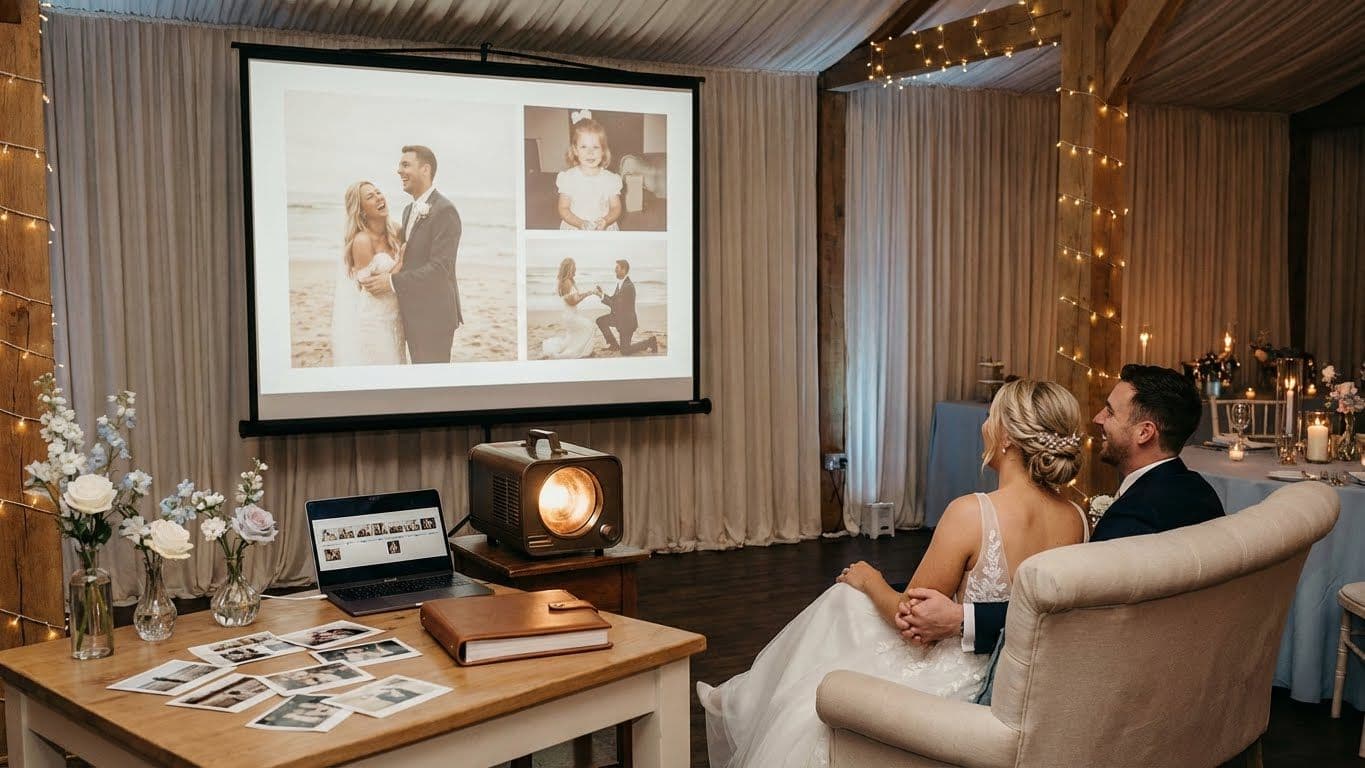
Your wedding day passes faster than you might realize. One moment, you are walking down the aisle, the next time you are cutting the cake. Amid all the vows and dancing, a wedding slideshow made from your collected photos offers a moment to pause. It lets everyone reflect on the journey that brought you and your partner together. A slideshow means more than pictures on a screen. It brings everyone into your story and makes your guests laugh, cry, and feel truly connected.
Choosing the right wedding slideshow ideas can turn a simple photo loop into the centerpiece of your celebration. You do not need expert editing skills to build something special. With platforms like Fotny, you can gather memories from everyone in one place and keep your photos organized from the start.
Once your photo collection is ready, you can collect all your event photos seamlessly and turn them into a wedding slideshow that feels smooth, emotional, and easy to share. If you want a slow, touching story or a fast montage, this guide shows you how to build a slideshow that guests remember for years.
Why Choose Wedding Slideshow Ideas for Your Big Day?
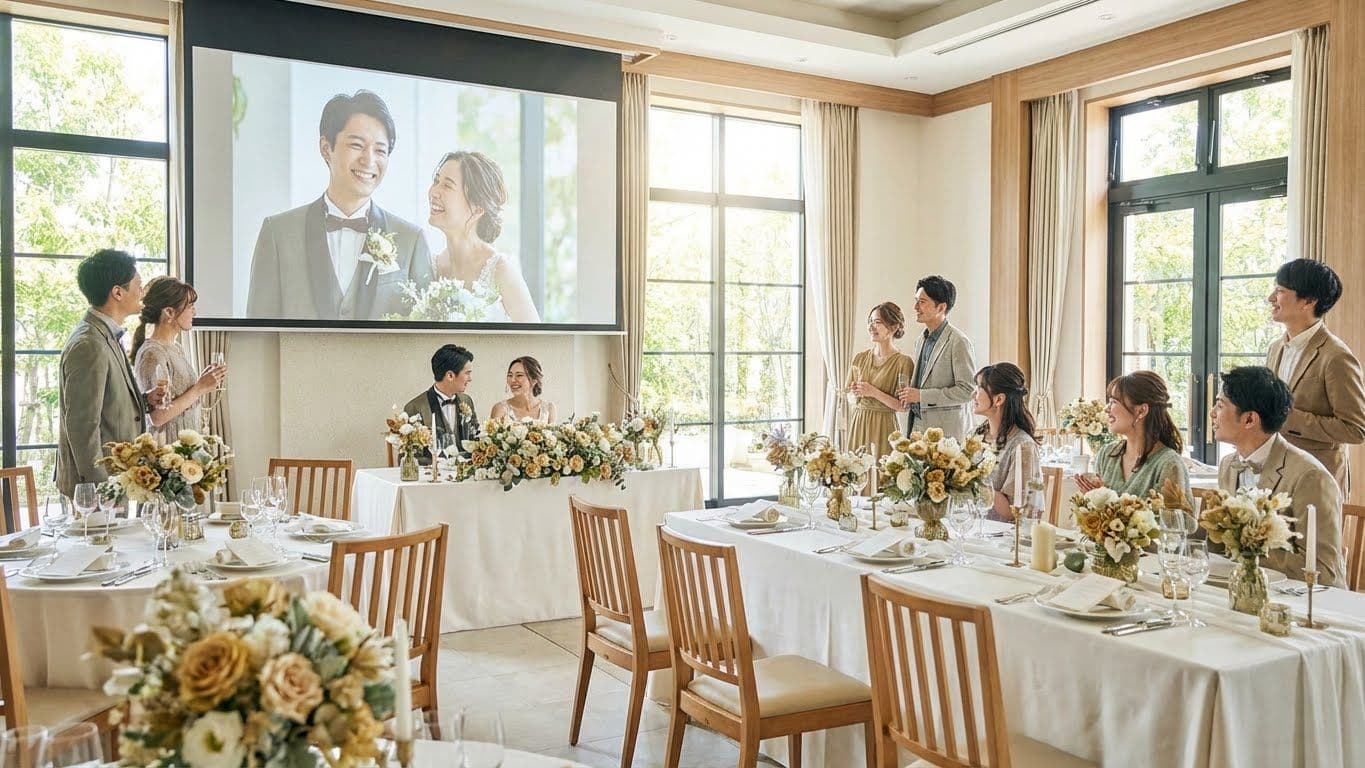
A wedding slideshow shapes the mood at your event. It fills quiet moments during dinner or the cocktail hour. It also helps guests get to know your story, even if they have not met your partner before.
Emotional Storytelling With Personal Photos
Pictures speak in a way that words cannot. Imagine a photo of the groom as a child, side by side with one of the brides at the same age. This simple pairing makes people feel more connected. Little flashes like this remind everyone that your stories belonged together long before you met. And, selecting the right photos makes your whole story come alive. Each choice brings the love and growth that your guests can see and believe emotionally.
Engage and Entertain Guests at Your Venue
Weddings always have downtime. People wait for the bridal party or line up for food. Slideshows keep everyone involved and give guests something real to enjoy and discuss. Instead of scrolling through phones, they laugh at funny childhood photos or react to proposal pictures.
Offer a Keepsake That Lasts
The cake does not last, and the flowers will fade, but your slideshow can remain. Watch it on your first anniversary and show it to your future kids. It will become a digital heirloom. Many couples share the slideshow file with their parents or grandparents as a thank-you gift after the honeymoon.
If you’re planning a wedding with lots of guests and want everyone’s candid moments in one place, using a wedding photo sharing gallery makes the slideshow feel more complete and personal.
How to Create a Wedding Slideshow - Step by Step
Making a slideshow can be stressful if you have a collection of thousands of photos. The best way is to break it down. Choose quality, not quantity. An edited short show is stronger than a long, wandering one.
Picking the Best Photos and Videos
Start collecting images from every life stage. Use a platform like Fotny to gather guest uploads in one organized gallery alongside your own photos for a complete collection. Do not keep to the professional shots. The unposed, funny, and messy pictures are often the most loved.
- Childhood — Pick 5 to 10 photos from baby to teenager for each partner. Look for a funny pattern or a moment both experienced, like losing a front tooth.
- Single Life — Show the times before you met. That honors who you are.
- The Meeting — Include your first few photos together. Bad lighting or silly photos work well here.
- The Journey — Pick travel, holidays, and regular day snapshots to show your life as a couple.
- The Proposal — If you have proposal photos or video, this is your story's high point.
Add a couple, family, funny, and even vintage wedding photos. Seeing your parents or grandparents at their own weddings creates a circle that honors your history. It helps make older family members feel important.
Make a Theme That Stands Out
A bunch of images without a pattern feels messy. A theme pulls everything together and creates a consistent style through out your slideshow.
- Growing Up Together — Divide the screen. Keep the bride on one side and the groom on the other at matching ages. Once you meet, your photos appear side by side.
- Adventures Together — Focus on places you have travelled together. Add animated maps to tie the journey to your wedding day.
- Letters to Each Other — Show slides that act as short love notes for your photos.
Using themed templates and a storyboard helps you see the flow. Draw up the order you want before you edit. That keeps you from repeating or rearranging later.
Add Music, Captions, and Details
Music steers emotion. A slow song builds nostalgia, while an upbeat track makes people smile and tap their toes. So, find song ideas to fit each mood. Start slower in childhood, faster for your dating years, and finish strong with your engagement.
If you want safe options, choose copyright-free music from the YouTube Audio Library so your slideshow can be shared online without issues.
How To Write Captions People Like?
Use simple lines. “Summer 2019” is plain, swap it for something more lively, like “The trip where we got lost in Rome.” Add context to make each moment memorable. You can also boost the fun by asking your wedding party to record video intros for parts of the slideshow. Personal voices bring warmth and energy that words alone just can’t capture.
Best Tools and Software for Wedding Slideshow Ideas
Once you have the images collected via a platform like Fotny, you need a tool that fits. There are lots of choices online, but not every program does everything a wedding needs. For example:
Fotny is built just for events. It brings photo sharing and uploads together for a seamless, easy way to collect all your wedding moments from guests and photographers. If you want more inspiration for choosing a platform, explore this guide on best event photo sharing apps.
Free and Paid Software Options
Free tools add watermarks or lower your video quality. However, paid tools usually offer larger music selections and higher-quality files. If you aim for a clean, impressive wedding slideshow, consider paying for a better platform. You can pick Fotny for this by checking Fotny pricing. It lets you export in high resolution, up to 4k, so it looks crisp on a big screen, and it also offers a free trial for small gatherings, reunions, and casual events.
What Is Fotny?
Fotny is not just a photo collection tool. It is a full photo hub for the event. Fotny uses AI to automatically filter out unwanted content. Its NSFW filtering (available in paid plans) is a big help when guests upload images in real time. If you want to learn how content moderation works for event galleries, read how to prevent unwanted content in event galleries.
Fotny’s AI face recognition add-on ($24.99) adds more value. It sorts photos by person, so guests find themselves quickly. QR sharing means no app is needed. Anyone can scan and upload, creating a live gallery that grows during the celebration. For common setup questions, visit Fotny FAQs.
Although Fotny is perfect for weddings, it’s also used for other group moments like team events and company celebrations where guests share photos fast in one place.
Quick Tips for a Smooth Wedding Slideshow
Not even the best wedding slideshow ideas will work if there are technical slip-ups. Small mistakes can ruin a good show.
Recommended Length and Amount of Photos
Short works best. Aim for 5 to 10 minutes, or about 60 to 100 photos. Any longer, and guests get bored. People want to enjoy your party and your slideshow. If you have many photos, run a silent slideshow during dinner instead of a long show for all guests.
Why You Need to Test the Slideshow in Advance
Do not trust that things will work. Therefore, test your file on the venue's equipment at least 1 week in advance. Projectors and speakers can be tricky, so bring a backup, like a USB drive, and keep another version on your phone. If you need help or want a smooth setup plan, you can always contact Fotny for guidance.
Keep Transitions Simple So Visual Flow Stays Clean
Flashy movement looks unprofessional, and star effects or box animations pull attention away from your photos. Use gentle fades or hard cuts to keep the focus on the real moments. Keep your timing steady for every photo; three to four seconds works best.
Unique Wedding Slideshow Ideas Most People Miss
Want to stand out? Try something beyond the usual photo timeline.
Add Photos From Guests for a Surprise Moment
Most slideshows focus only on the couple's memories. Open it up to guest photos! Ask friends for hidden or candid shots of you and your partner. With Fotny’s seamless guest uploads, letting your guests contribute makes your slideshow more interesting and makes them feel valued.
Professional photographers also love using shared galleries so clients get complete coverage. That’s why Fotny works great for professional photographers who want clients and guests to upload everything into one collection.
Create a Same Day Edit for Real Time Excitement
Try a trending new approach. A Same Day Edit blends pictures and videos from the event and ceremony to show at your reception. This builds energy straight away. People love seeing themselves at your party while it's still happening. Live uploads make it easy to collect these photos without professional help.
Include a Few Funny Wedding Slideshow Ideas to Make Folks Laugh
Romances are sweet, but laughter connects everyone. Bloopers and silly haircuts from earlier years bring smiles. Being open and playful helps guests feel comfortable. If you can enjoy a laugh at yourself, guests will loosen up too. Always keep jokes friendly so all ages can enjoy them.
How to Share and Monetize Your Wedding Slideshow
Once the celebration ends, you want to keep your slideshow shining. Digital photo platforms make sharing simple.
Show at the Reception, Rehearsal, or Even Online
Share your primary slideshow during dinner and loop another one during cocktail hour. Post the video on your wedding website so guests who miss the event can still enjoy your photos and smile along.
Fotny isn’t only for weddings. It’s also used for things like conferences and corporate events where people upload photos in real-time and organizers keep everything in one gallery.
Simple Sharing on Wedding Websites or Social Media Without Extra Apps
Fotny makes accessing your collected photos simple. You can share a link or a QR code so that guests can use it without an app or account. This saves time and helps everyone see their images. You can even post the same link on Facebook or Instagram so more people can enjoy it.
Monetize Photos With Per-Photo Download to Boost Value
Many couples or photographers use Fotny to bring in some extra income. Turn on per-photo sales so guests can buy their favorite images. If you have a professional shoot, host high-resolution files on Fotny. Your friends and family can buy downloads right away. This feature makes it easy to create a revenue stream while keeping your guests happy.
Why Fotny Is the Top Pick for Wedding Slideshow Ideas
Fotny solves real event photo problems and makes slideshow prep easy. It combines professional features with a simple, fun guest experience. This way, you get all the photos you need for a memorable slideshow.
Seamless Guest Uploads, Collaborative Features and Branded Galleries
Everyone can snap a photo at your event with Fotny. It takes all the best moments from each angle. You collect images that the hired photographer might miss. You can even adjust the look and add wedding colors and details, giving it a personal, high-end finish.
Fotny also supports high-energy moments like sports events where everyone captures action shots, and the organizer gets one clean album without chasing photos later.
AI Organization, Instant QR Access and Privacy That Works
Privacy matters, and you stay in control of who sees your photos. You can set a password or leave the gallery open for everyone. Built-in AI tools tidy up all your uploads and automatically sort pictures, saving time and effort. If you want to review privacy details, read the Fotny Privacy Policy. Fotny gives you an organized, secure, and attractive space for every image. It is the future for modern couples planning their big day and gathering photos for slideshows.
FAQs About Wedding Slideshow Ideas
How Do You Organize Photos For The Best Wedding Slideshow Ideas?
To organize photos for the best wedding slideshow ideas, start in date order. Create folders like Childhood, Dating, and Engagement. Rename your files in order, like 001.jpg or 002.jpg, so your software imports them properly.
What Type Of Music Works Best For Wedding Slideshow Ideas?
Instrumental songs work for background slideshows. For the main slideshow, choose songs with lyrics that match your journey. Skip long or repetitive tracks and cut songs or blend short tracks to achieve the right pacing. If you’re unsure about permissions, follow this guide on getting permission to use a song.
Can You Include Both Photos And Video In Wedding Slideshow Ideas?
Yes, you can add both. Short video clips add excitement and energy and watching loved ones speak brings the slideshow to life. Keep your video clips under 10 seconds and match the audio and music levels.
What Makes A Wedding Slideshow Stand Out For Guests?
Personal touches and brief storytelling make a wedding slideshow stand out for guests. They want to see memories about you and themselves. Do not show too many landscape shots. Stay fresh, keep it personal, and keep things moving.
How Do People Share Their Wedding Slideshow Ideas On Social Media?
Couples post links or short clips on Instagram, Facebook, or TikTok. Most platforms, like Fotny, give you a direct link you can post to stories or feeds. You can also save your slideshow as a video and upload it to YouTube or Vimeo, then share the link. This helps your friends get the best playback quality.
How Can You Keep Inappropriate Photos Out of Your Wedding Slideshow?
To keep inappropriate photos out of your wedding slideshow, use platforms with control tools like Fotny. It offers automatic filters or lets you set an album where an admin reviews every photo before it goes public. This gives you peace of mind about your slideshow content.
For additional event and gallery rules, you can review the Fotny Terms of Service.